MixEmergency Manual
Contents
- Introduction
- Minimum Requirements
- Registration
- Supported Media
- Main Window
- Control Window
- Media Window
- Presets Window
- Output Window
- Scratch Live control
- Transitions
- Effects
- Plug-Ins
- Overlay Window
- MIDI
- Preferences
- Info Window
- Messages Window
- Recording and Exporting
- Video Compression Guidelines
- Quartz Compositions
- Parameter Window
- Performance Tuning
- Trouble Shooting
- View All
Main Window
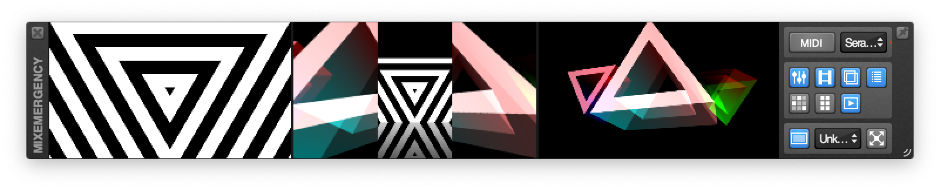
The main window of MixEmergency displays the channel and output preview views as well as several frequently used controls (described below).
This window can be shown/hidden from the Window menu, or by using the keyboard shortcut
1.
You can toggle this window to float above all other windows by pushing the "pin" button on the top right of the title bar.
External Control
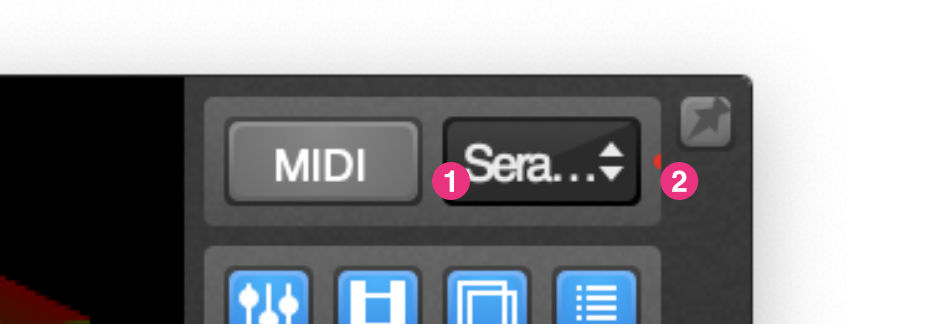
MixEmergency has the ability to act as a "plug-in" for Scratch Live. This allows Scratch Live to control aspects of MixEmergency such as play position, mix and current media.
The external control pop-up menu allows you to select either MixEmergency or Scratch Live as the controller for MixEmergency. A connection status indicator appears to the right of this menu when not connected to MixEmergency. The indicator will be coloured green when there are no connection problems, or red when there are. You can view a text message of this status in the indicator's tool-tip.
Panel Controls
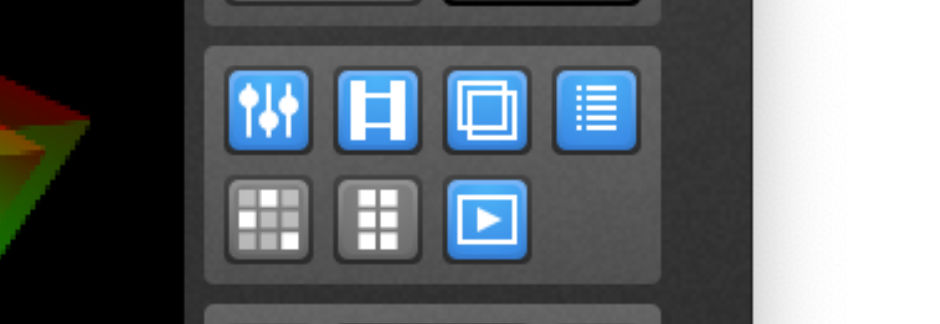
The panel control buttons allow you to toggle several of MixEmergency's windows: the Control window, Media window, Output window, Messages window and Presets window. The MIDI button toggles the MIDI mapping mode.
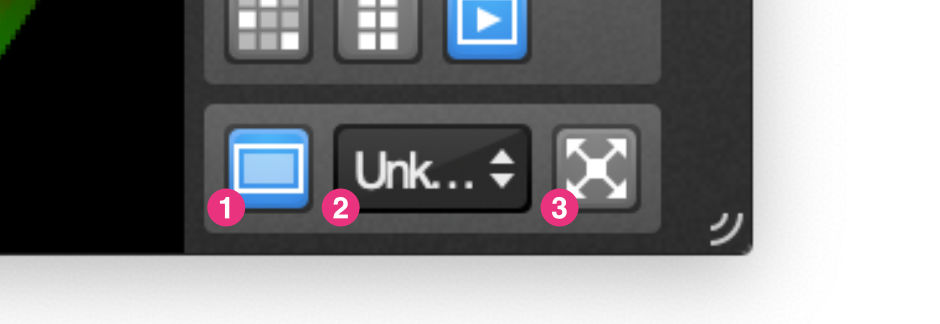
Full Screen Controls
The full screen controls allow you to toggle the output of MixEmergency between full screen and windowed mode. The output pop-up menu allows you to select the screen to use when the output is full screen.
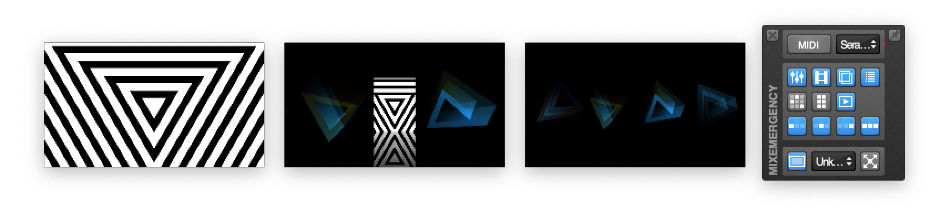
Multiple Window Preview Layout
The main window is split into four windows when using the Multiple Window Preview layout. Three of the windows contain the channel preview views, while the fourth contains the external, panel and full-screen controls.
QuickTime, MacBook and Mac OS are registered trademarks of Apple Inc., registered in the U.S. and other countries. Scratch Live is a trademark of Serato Audio Research. Inklen is not affiliated with Serato Audio Research.